Analytics
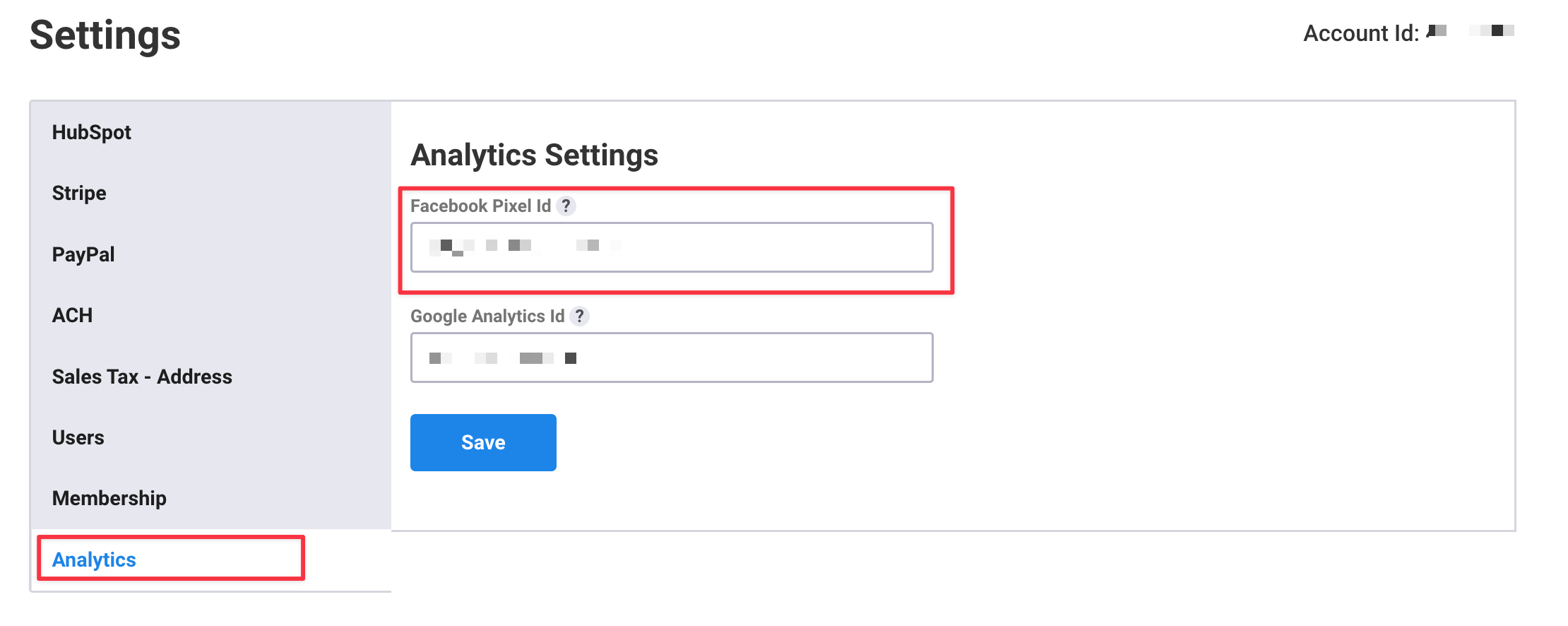
You can set up your Facebook Pixel or G4A tracking on your forms to allow tracking of purchase events made on your form directly without the need to implement any additional coding.
Facebook Pixel Tracking
To set up Facebook Pixel tracking from your dashboard, go to Analytics and add your Facebook Pixel ID
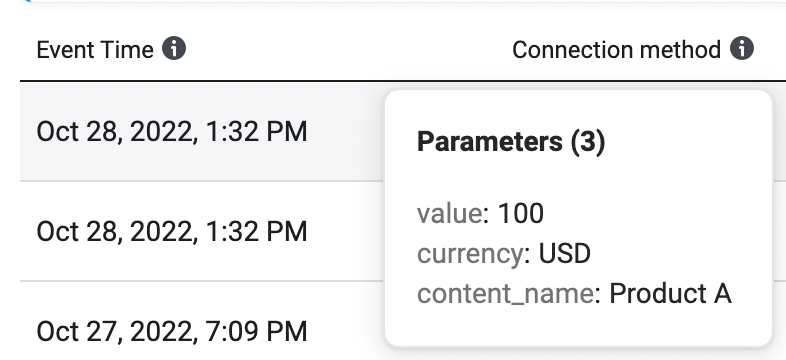
This will automatically add pixel tracking to your form and fire a purchase event for every submission. The purchase event includes the total value of the transaction, currency, and product name(s)
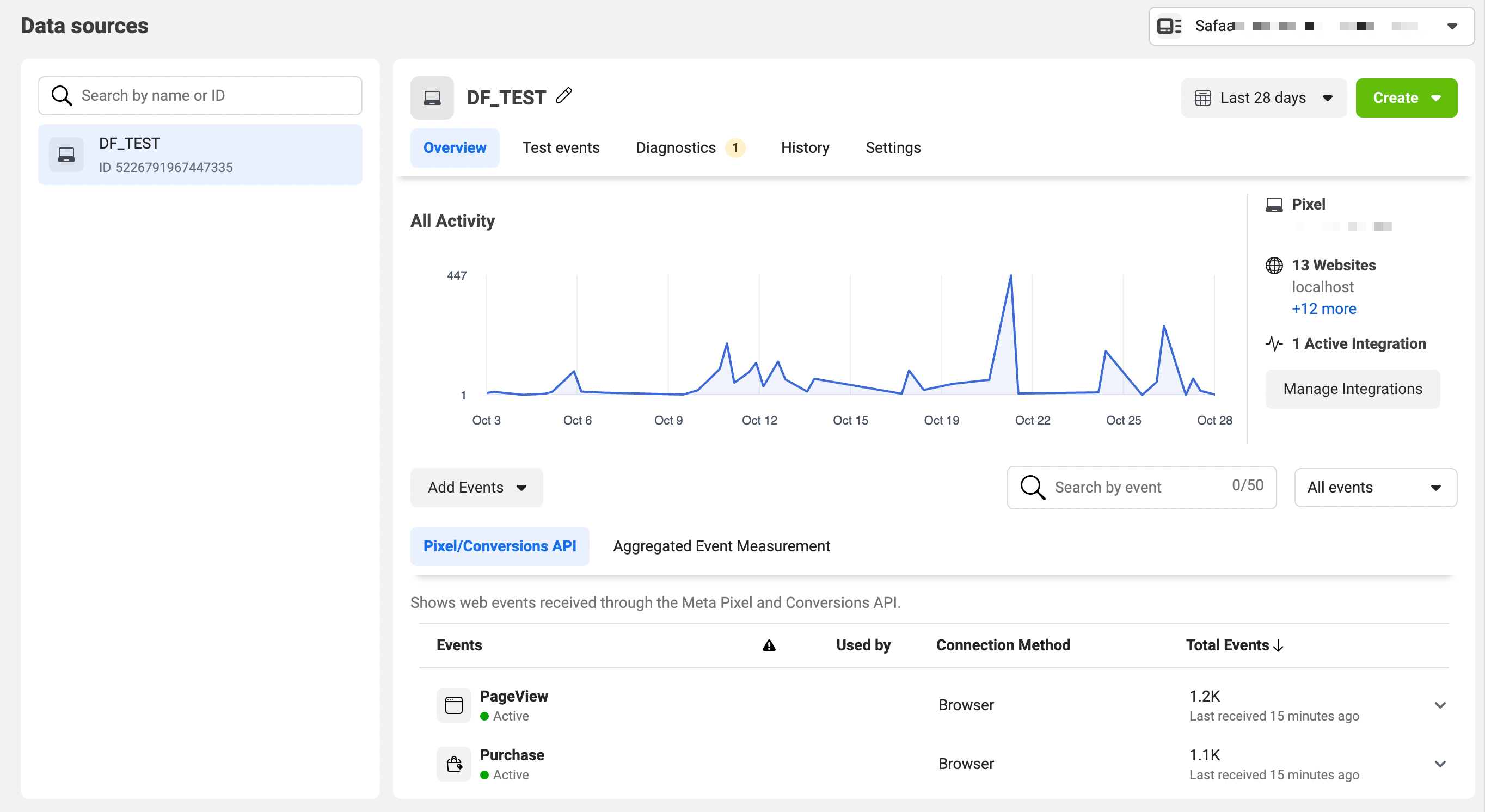
💡 You can view and track your events by logging into Events Manager and selecting your pixel or app in the Data Sources tab.
Google Analytics (GA4) Tracking
To set up GA$ tracking from your dashboard, go to Analytics and add your Google Tag (G-ID)
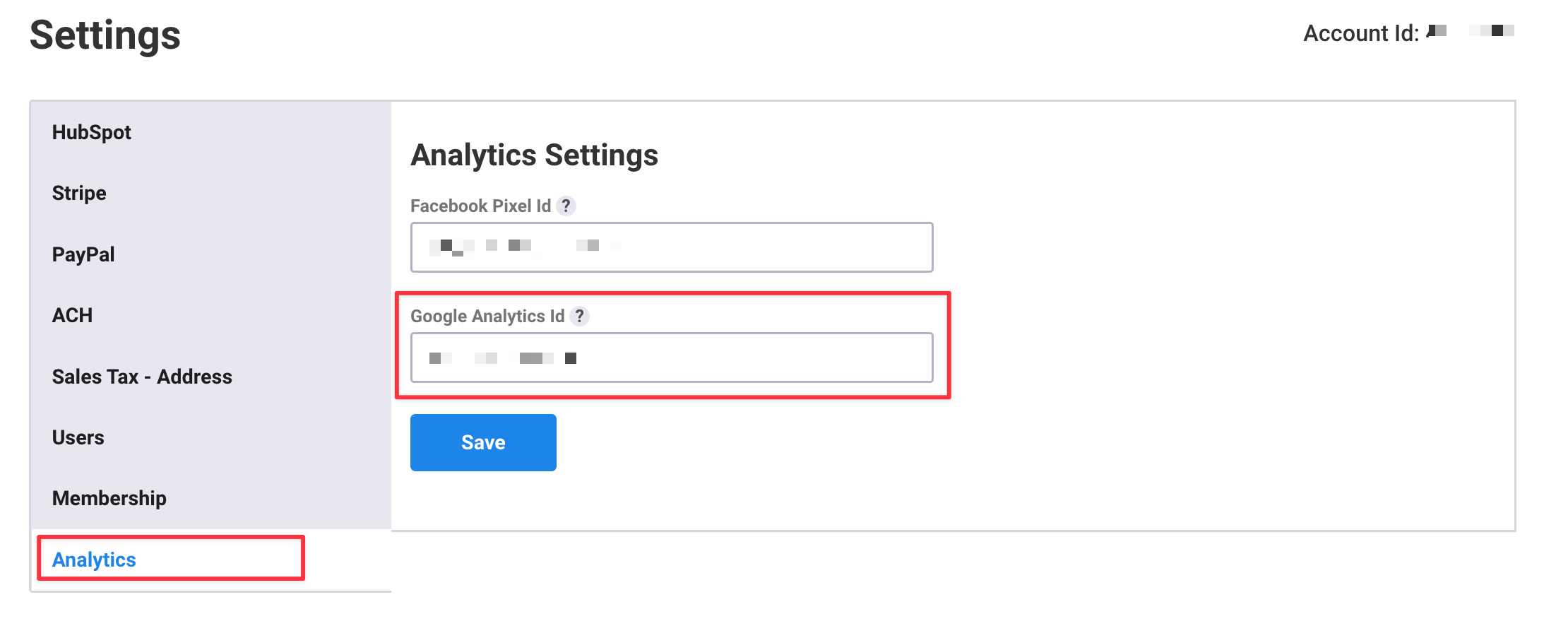
This will automatically add GA4 tracking to your form and fire a purchase event for every submission. The purchase event includes the total value of the transaction, currency, and product name(s).
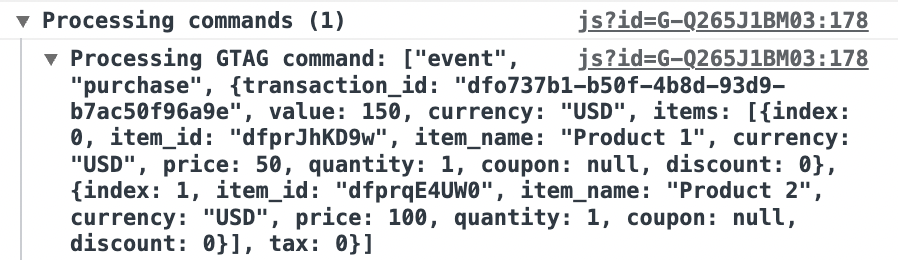
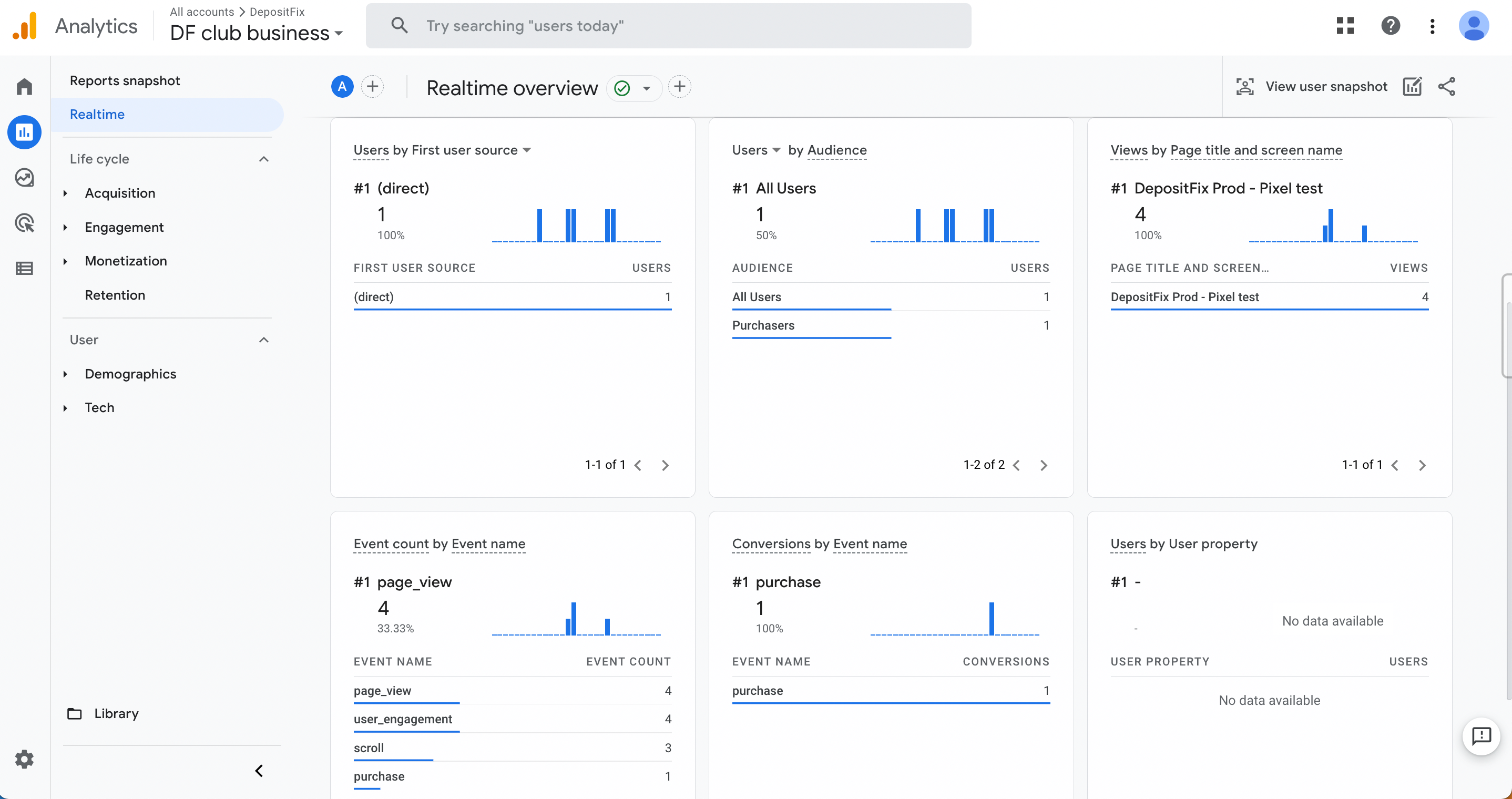
💡 You can see your events, purchase event, and their parameters using the Realtime and DebugView reports.