How to Change The Stripe Account Connected to DepositFix?
Log in to DepositFix dashboard and go to settings.
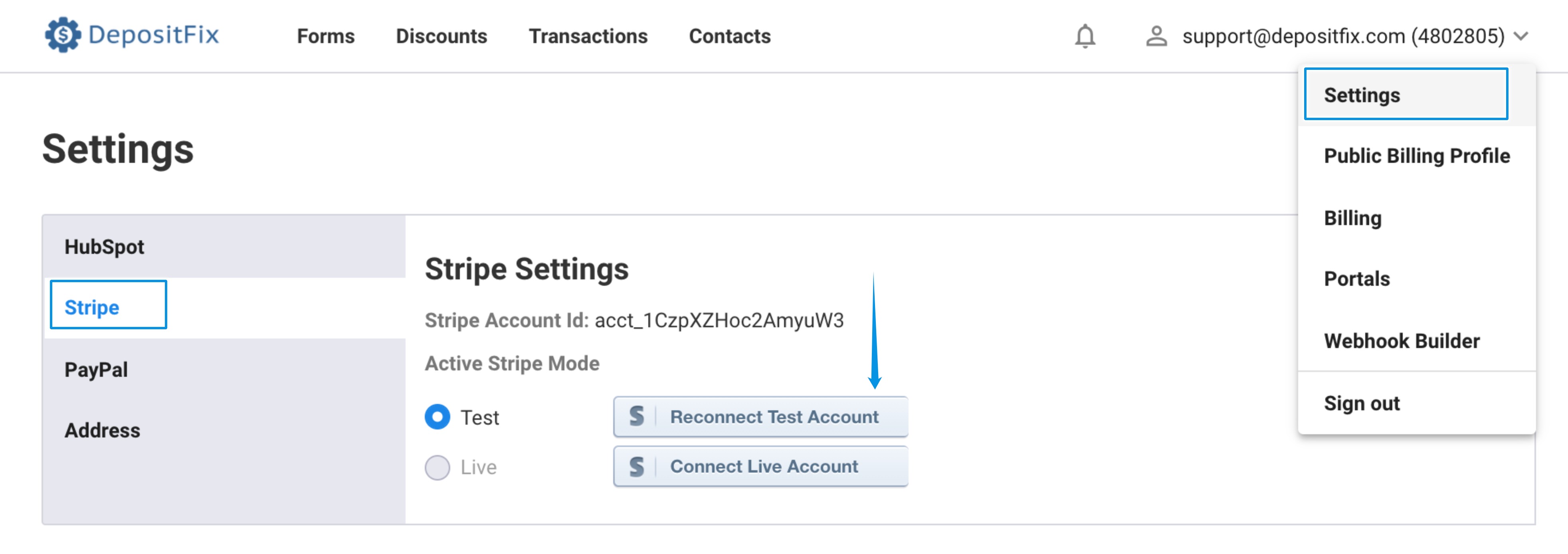
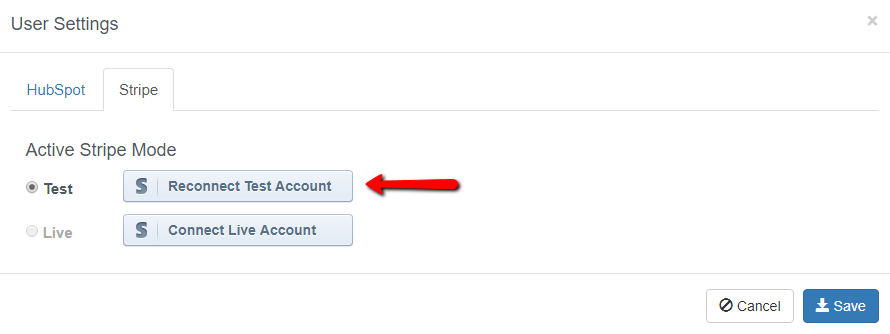
Click on “Reconnect Test Account” if you’re doing test payments, or click on “Connect Live Account” to connect a live account.
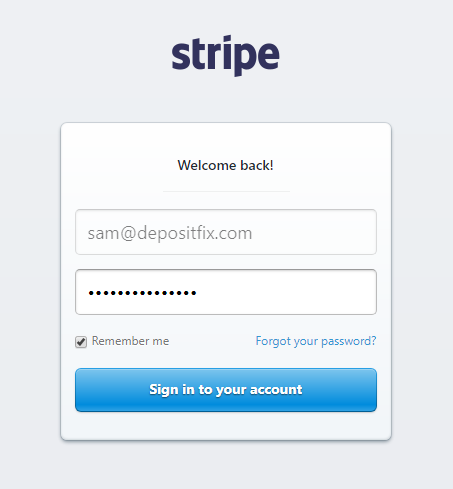
You’ll then be taken to the Stripe login page. Log in using your current Stripe account.
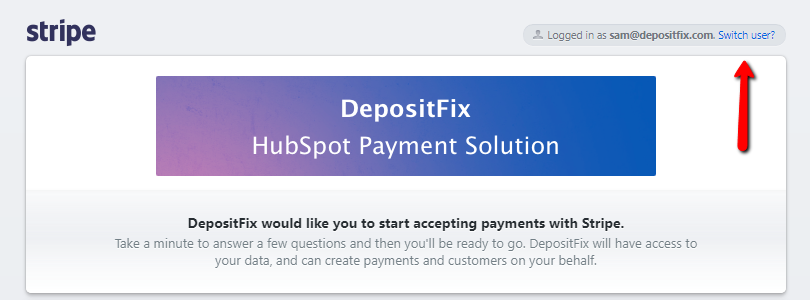
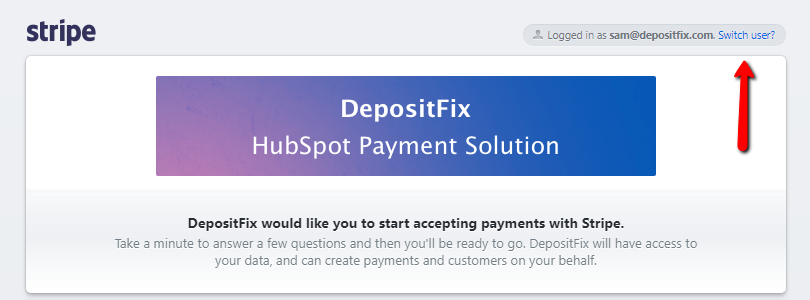
Next, click on “Switch user”.
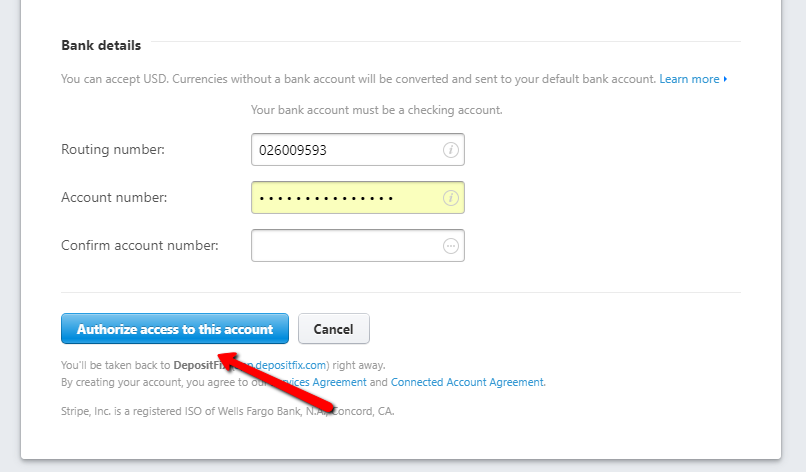
After signing in with a different Stripe account, you’ll be taken to the page below.
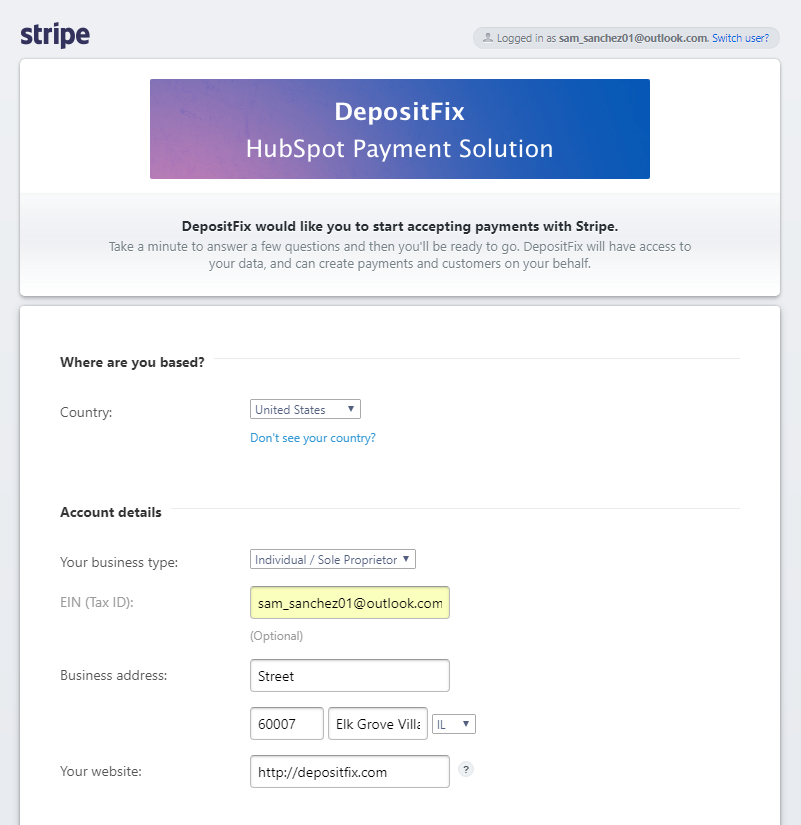
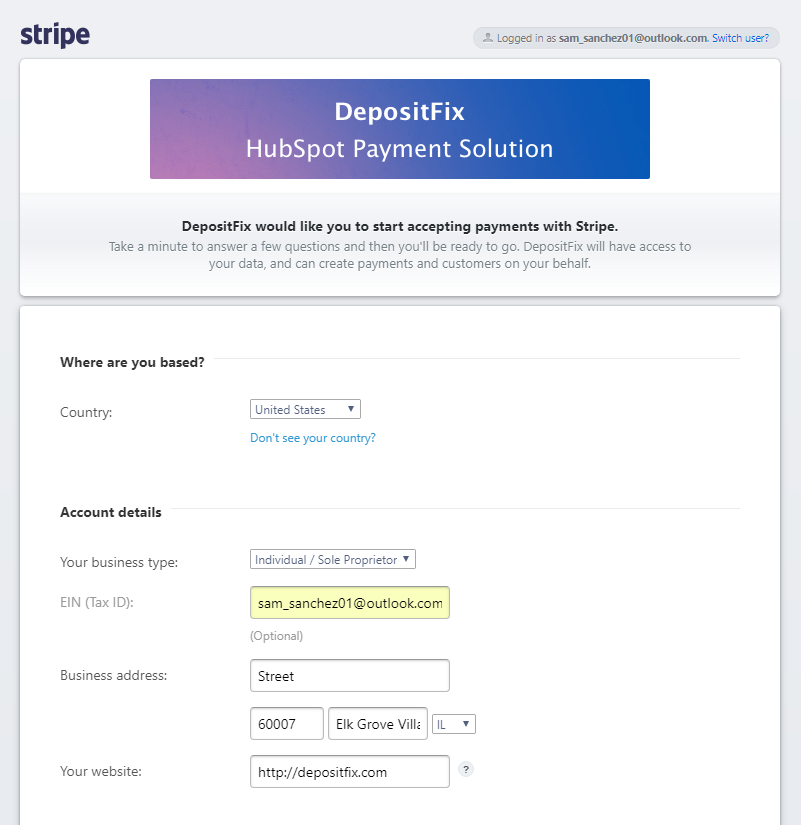
Scroll down and click on “Authorize access to this account”.

You’ll then be redirected back to your DepositFix dashboard. And that means you’ve successfully changed the Stripe account connected to your DepositFix account.