Countdown Timer
The Countdown Timer feature allows you to offer exclusive, time-limited offers to your customers.
Each timer can be specifically set for a person and will automatically count down for a period you can specify in hours, minutes, or days. Once the timer is done, the price will automatically increase by the amount you specify.
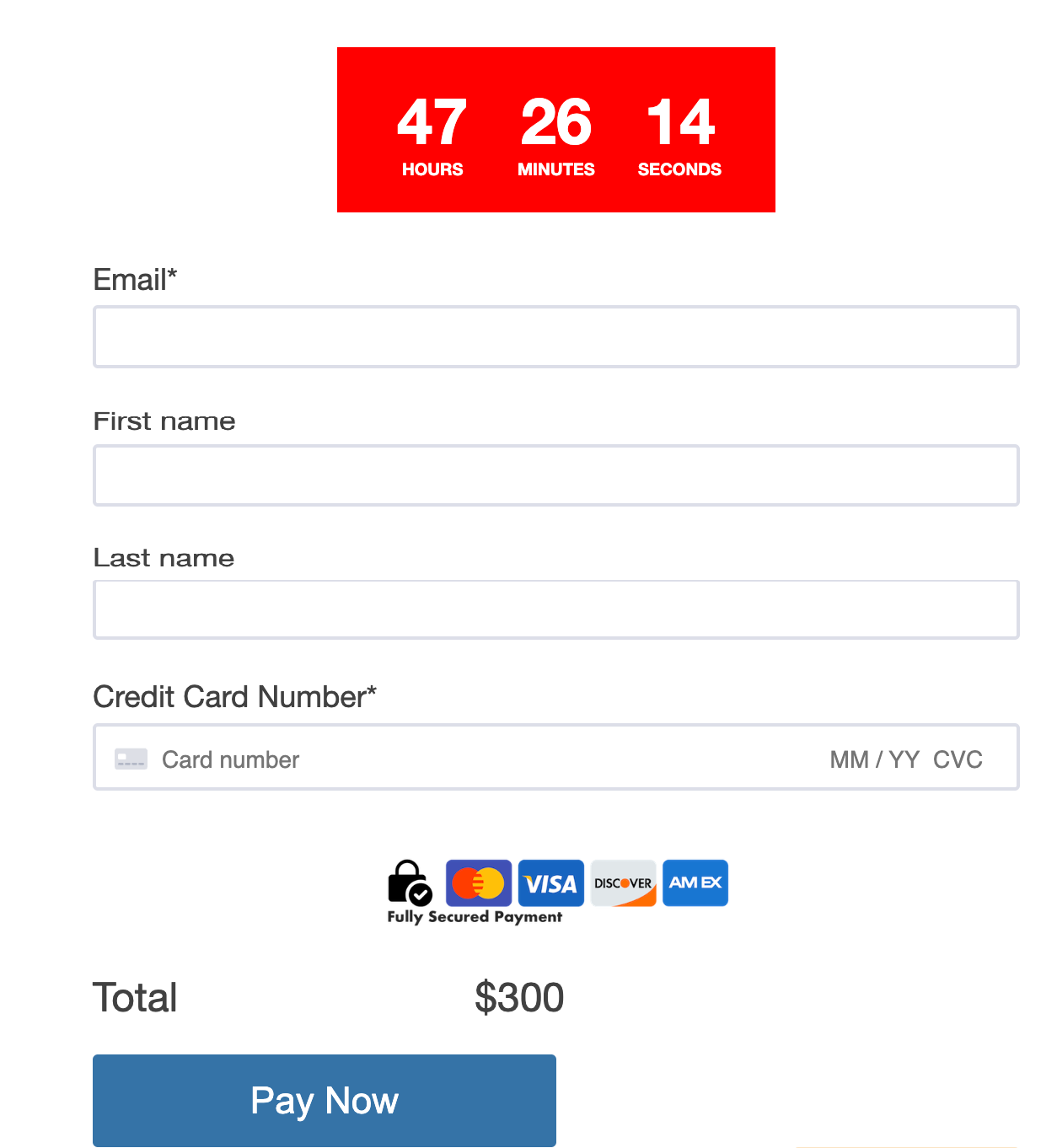
Setting Up The Timer in Your Embed Code
To add a timer to your form, you need to use the following embed code:
<script type='text/javascript' id='df-script'>
DepositFixForm.init({
formId: 'dff0047f-95aa-4e65-8303-a694eaa0df28',
portalId: '8487757',
settings: {
    countdown: {
        seconds: 48 * 60 * 60,
        finalPrice: 100      }
        }
    });
</script>
Where seconds is the time in seconds (i.e., 48 * 60* 60* is 48 hours/2 days)
and finalPrice is the amount the price should increase by when the timer is off (i.e., 100 means that the price will increase by 100$)
Using the Countdown Timer
The timer works by referring to the Countdown timer started df_timer_started property in HubSpot; once this property is populated, the timer will start from the exact date in the property.
This property can be set manually or automatically by using a HubSpot workflow.
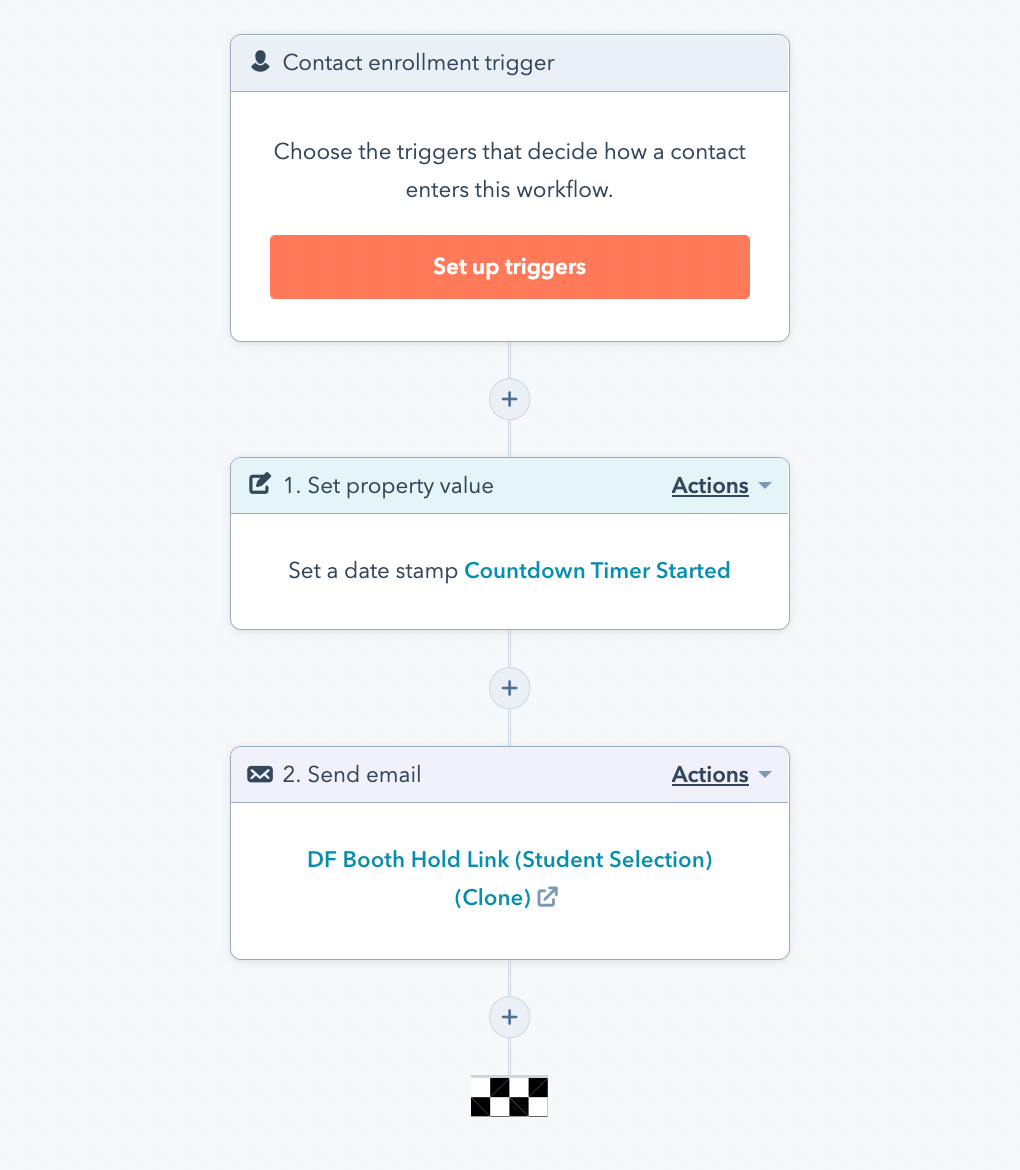
This example workflow automatically sets the Countdown Timer Started and sends an email to the contact with a custom link to their offer page.
You can customize the timer for each person by passing their Hubspot contact ID using ?dfc=<HubSpot Contact Id> along with the form page URL.
Example URL
https://app.depositfix.com/shareform/dffa724f-b3e4-40c2-969c-fff00de36d21`?dfc=?{hubspot contact id}`