Testing your Live Forms
You can also test your live forms, without having to switch your environment or re-connect your stripe accounts by using a URL query parameter.
This will allow you to test your live forms with Stripe testing mode, on the landing page itself. This is particularly good if you’re looking to test a new change, or debug an issue with your live page, or test the full customer experience.
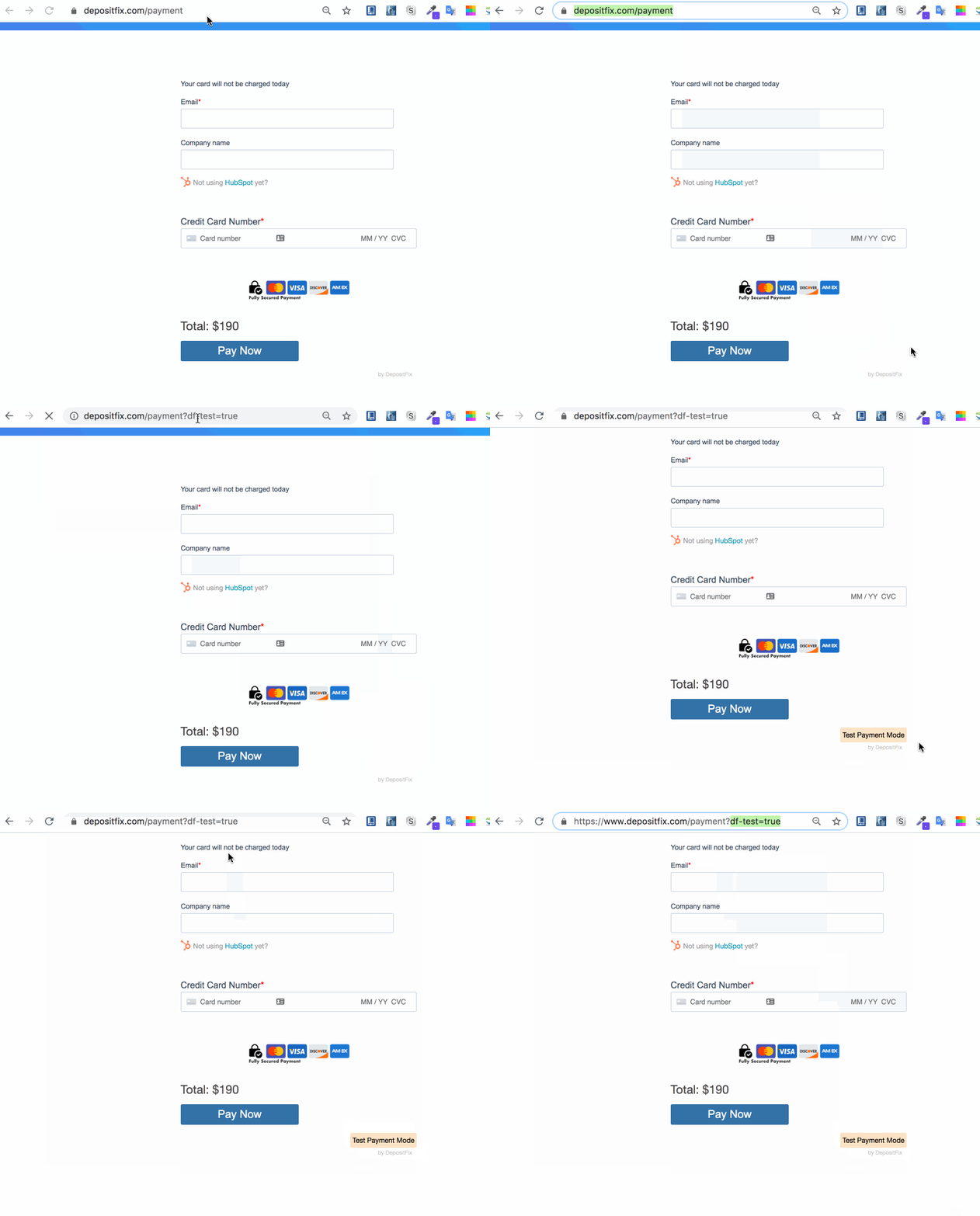
In order to do this, you need to simply add the following query parameter at the end of your page URL:
?df-test=true
For example, if we want to test this live page: https://www.depositfix.com/payment , we can do that by adding the above query parameter to the URL. So the test URL will be: https://www.depositfix.com/payment?df-test=true
This will automatically connect to Stripe test mode, allowing you to make any tests to the live form without having to switch or re-connect your environment in DepositFix, to verify this, you should be able to see a “Test Payment Mode” label in your form after you load the new URL.
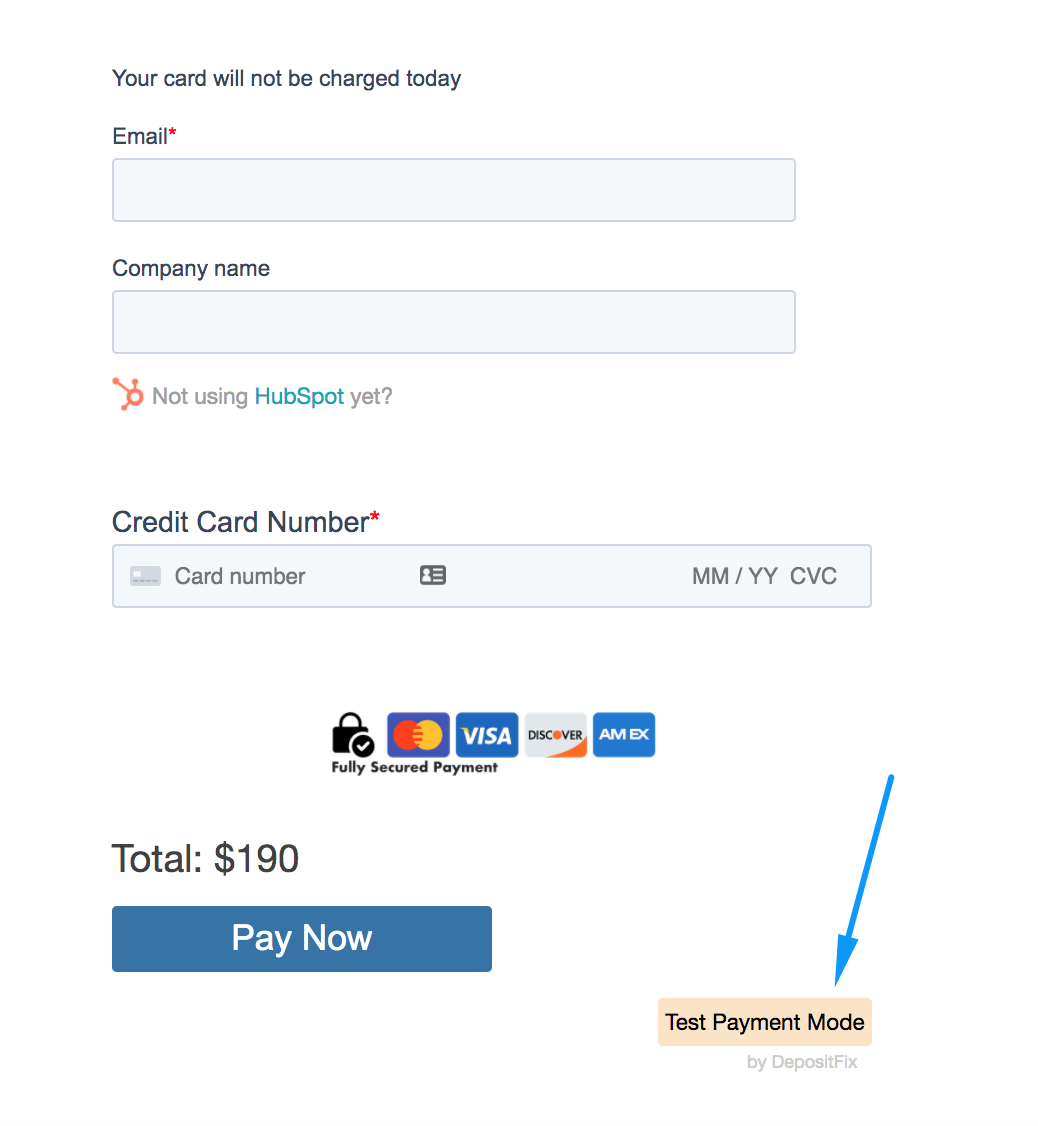
Important: This will only work if you have Stripe Test mode set up on your Stripe account, not only live mode. Also, any test transaction will appear inside your Stripe Test mode transactions.