How to Trigger a Workflow for a Cancelled Subscription
When a customers decides to cancel a subscription, you may want to create an automated workflow that would automate your next steps after a cancellation request.
Some of the common practices after cancelation include sending a thank you email, a counter offer retention call or an alert to other members of your team.
1. On your HubSpot account, go to your Workflow tab, click on Create workflow.
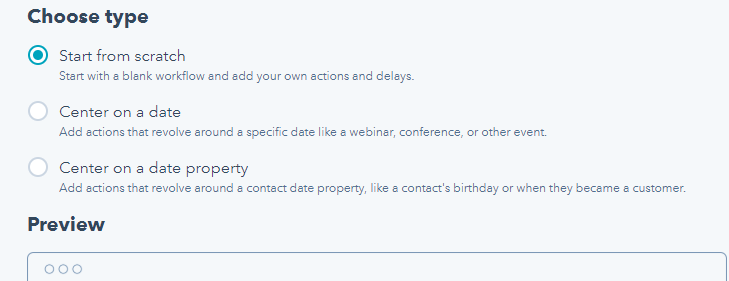
2. Under types choose Start from scratch
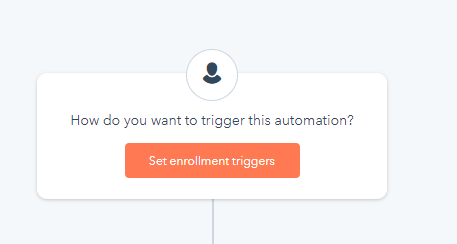
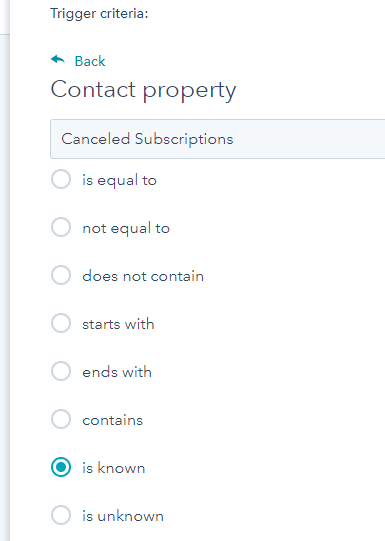
3. In the enrollment triggers, choose Contact Property - Cancelled Subscriptions is known
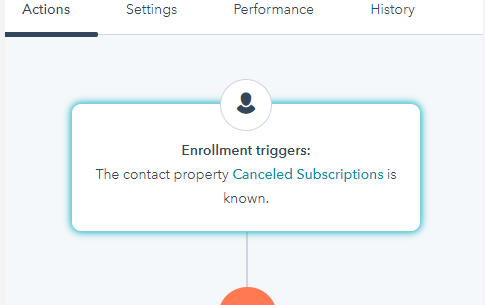
4. Then add any actions you’d like to do by clicking on the + sign.
.