Payment Overview
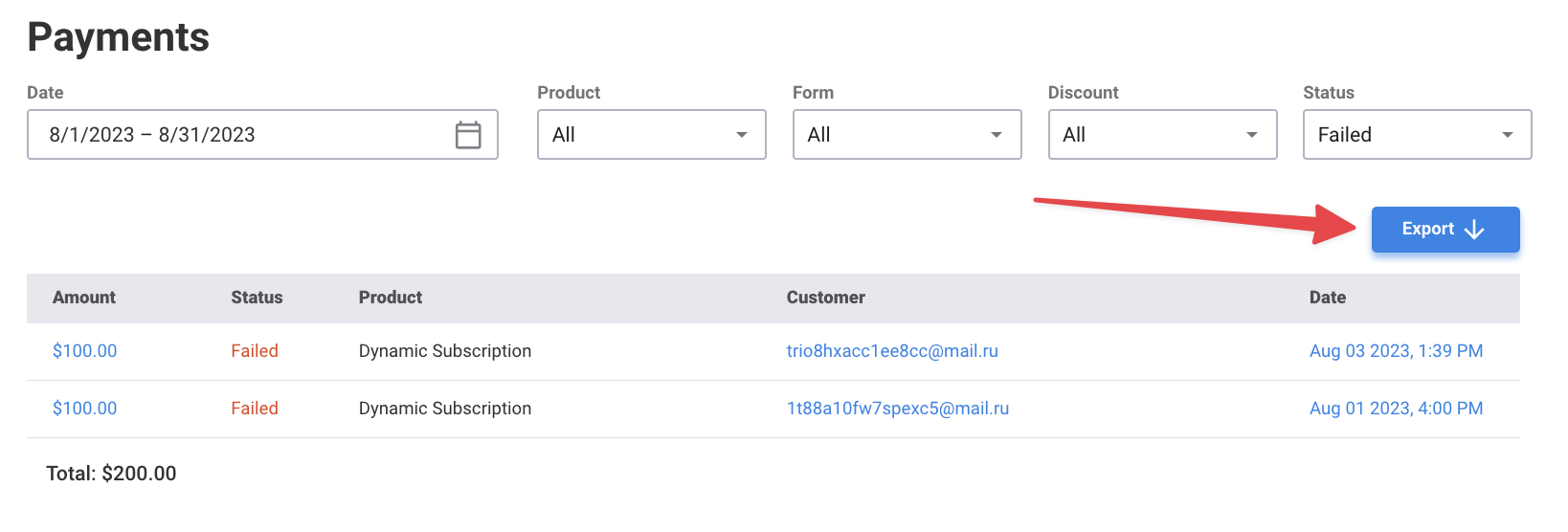
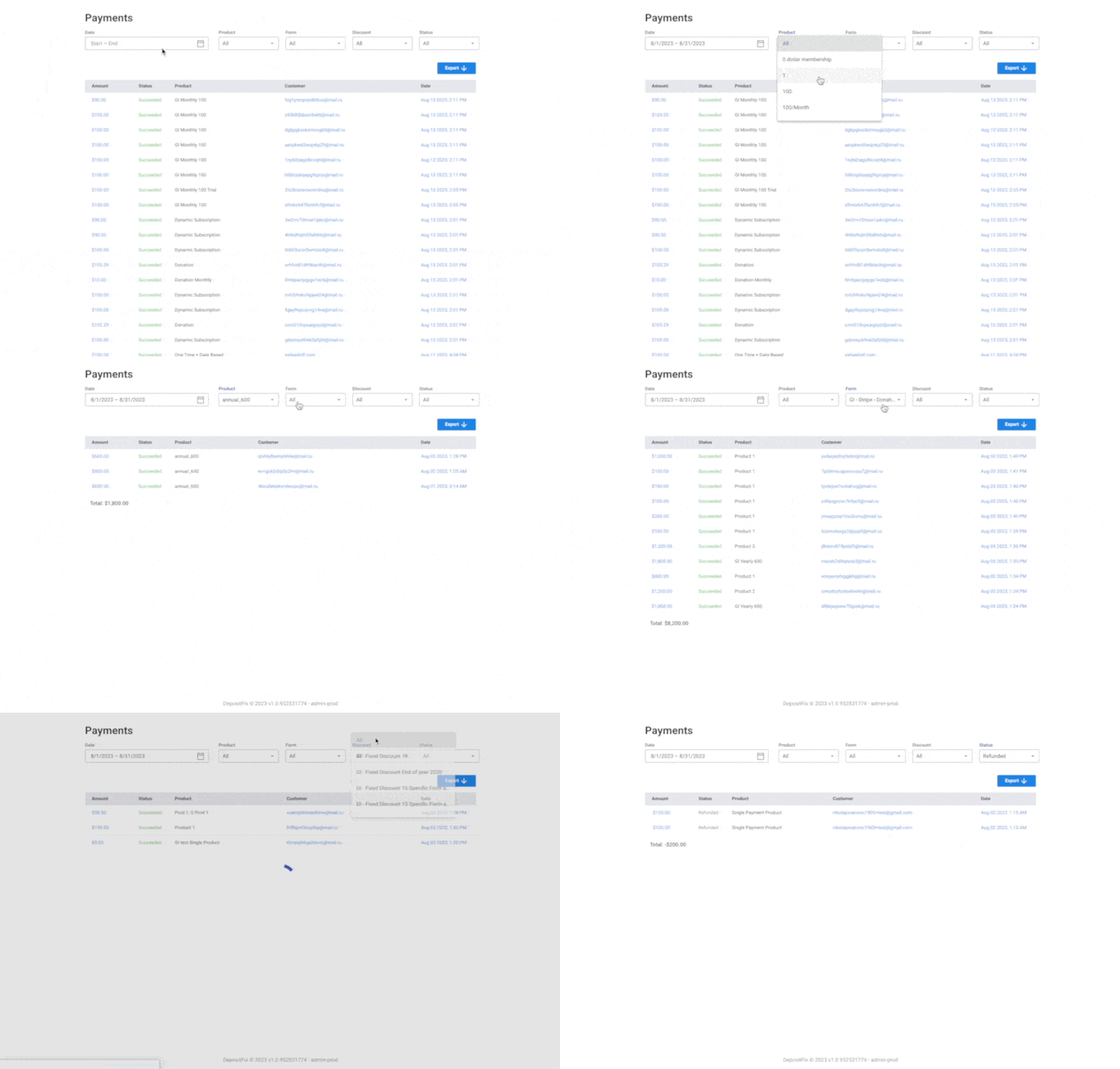
The Payments tab in DepositFix shows a complete overview of all payments and transactions made through DepositFix; You can also filter out what payments you’d like to see using one or more filter options.
-
Dateshows payments within a date range; you can select a pre-defined range or set a custom range. -
Productshows payments made for a specific product. -
Formshows payments made through a specific form. -
Discountshows payments made using a specific discount code -
Statusshows payments with a specific status.
💡 Combine multiple filters to get your desired report.
You can export the results to a CSV file using the Export button.