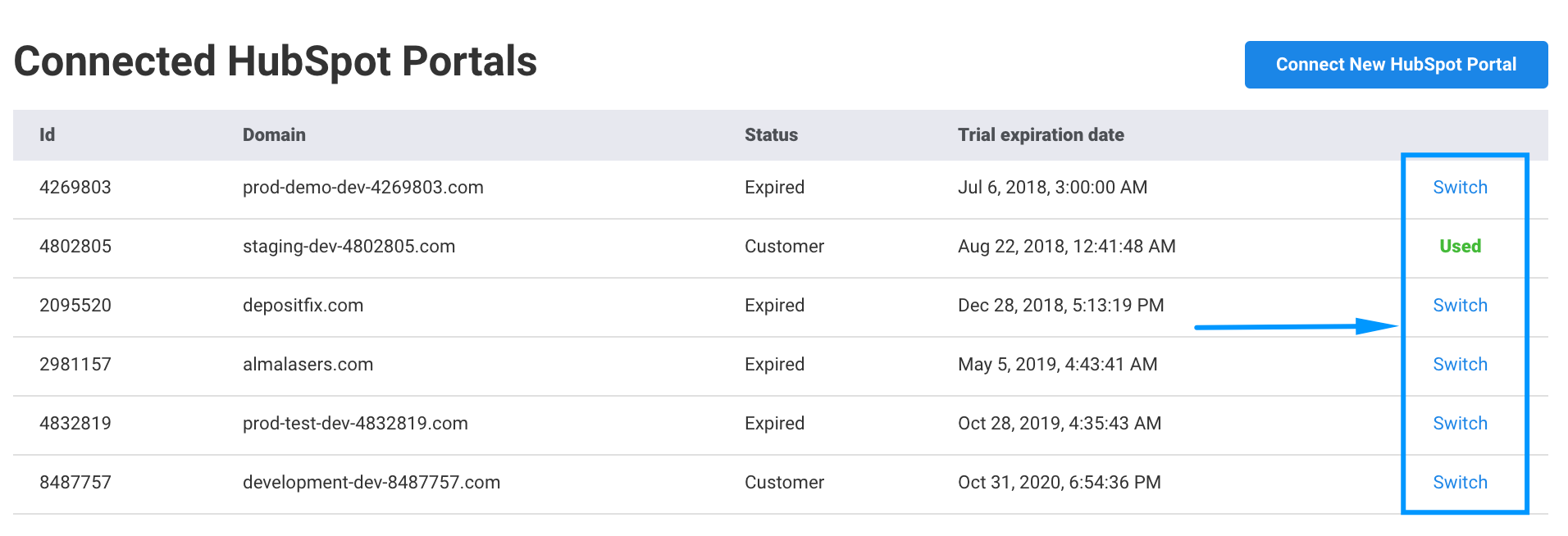
Can I Connect Multiple HubSpot Portals?
If you are an agency servicing customers through multiple HubSpot portals, or you just have set up multiple HubSpot portals for staging, testing, production, etc. - DepositFix supports connectivity and provides an easy way to switch in-between portals.
First, connect the new Portal:
-
Log in to DepositFix.
-
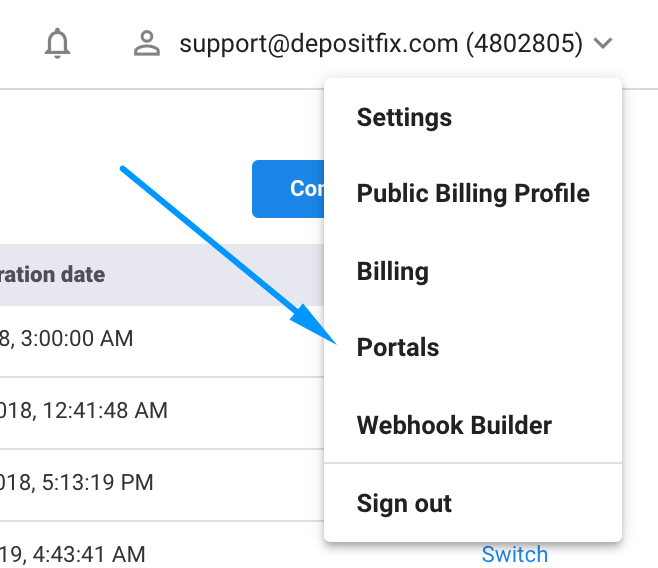
Click on the drop-down arrow at the top right corner of your dashboard.
-
Click on Portals.
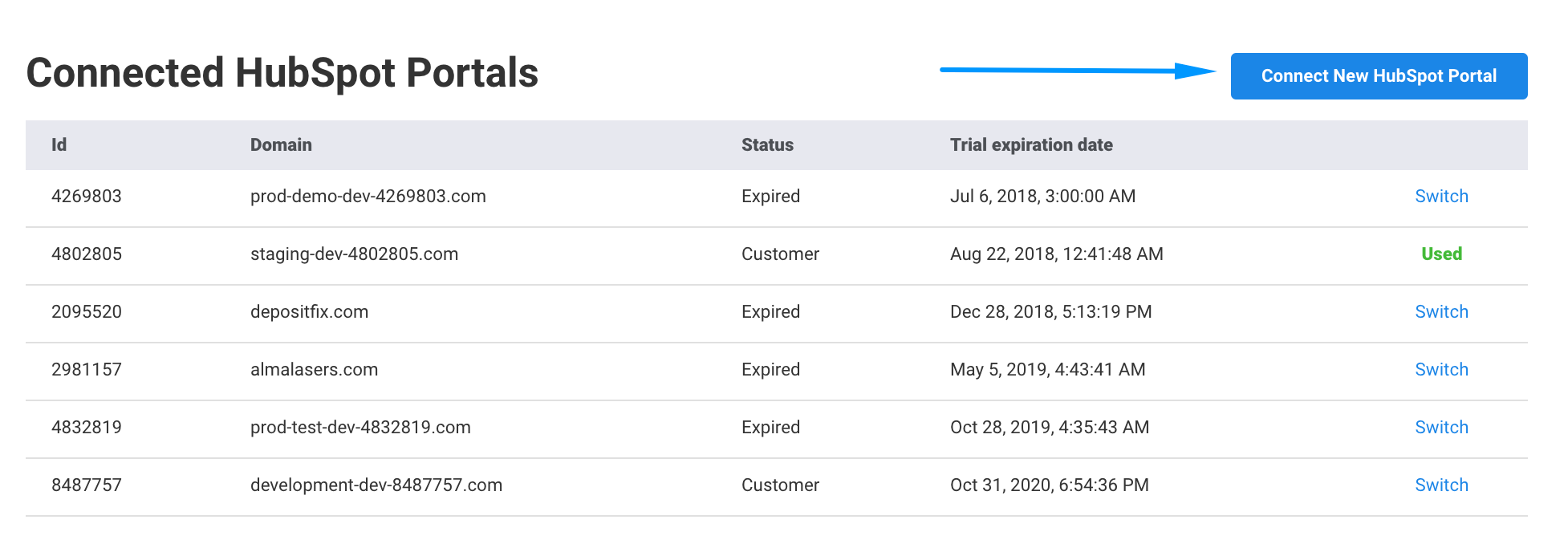
- Click on Connect new Portal.
- Choose the Portal you want to add.
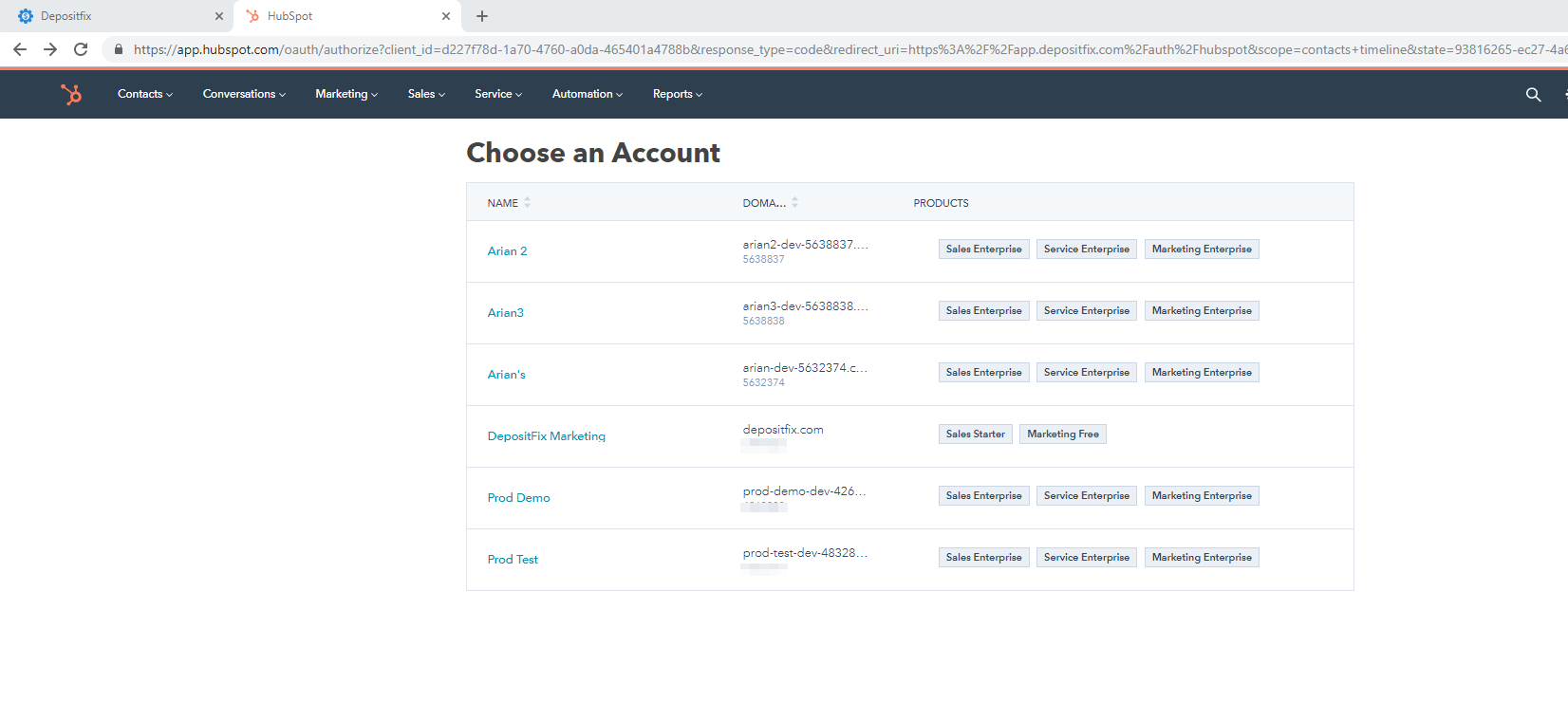
- Click on Grant Access.
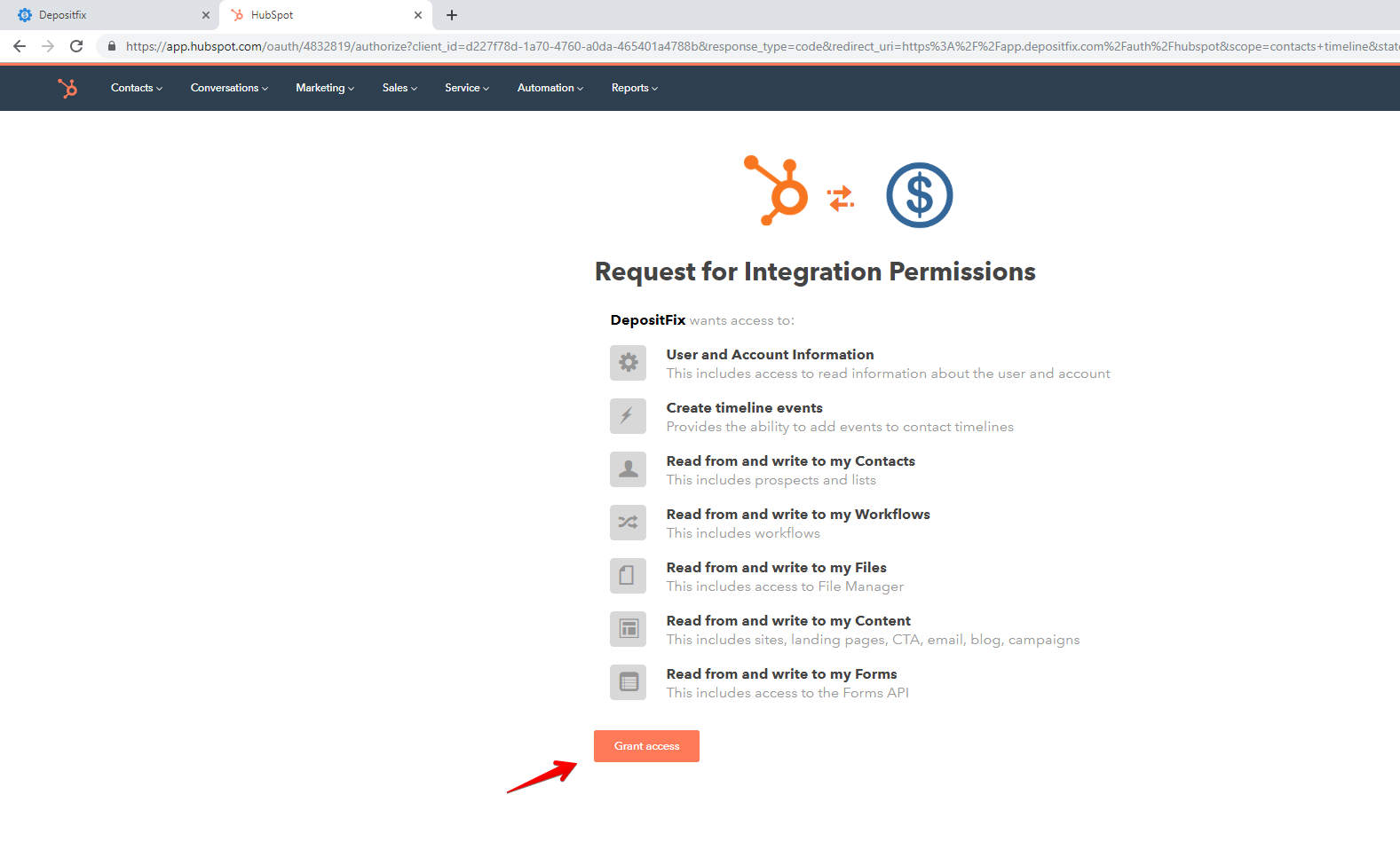
The new portal is now connected. To switch between Portals, click on the Portals menu again and click on Switch.