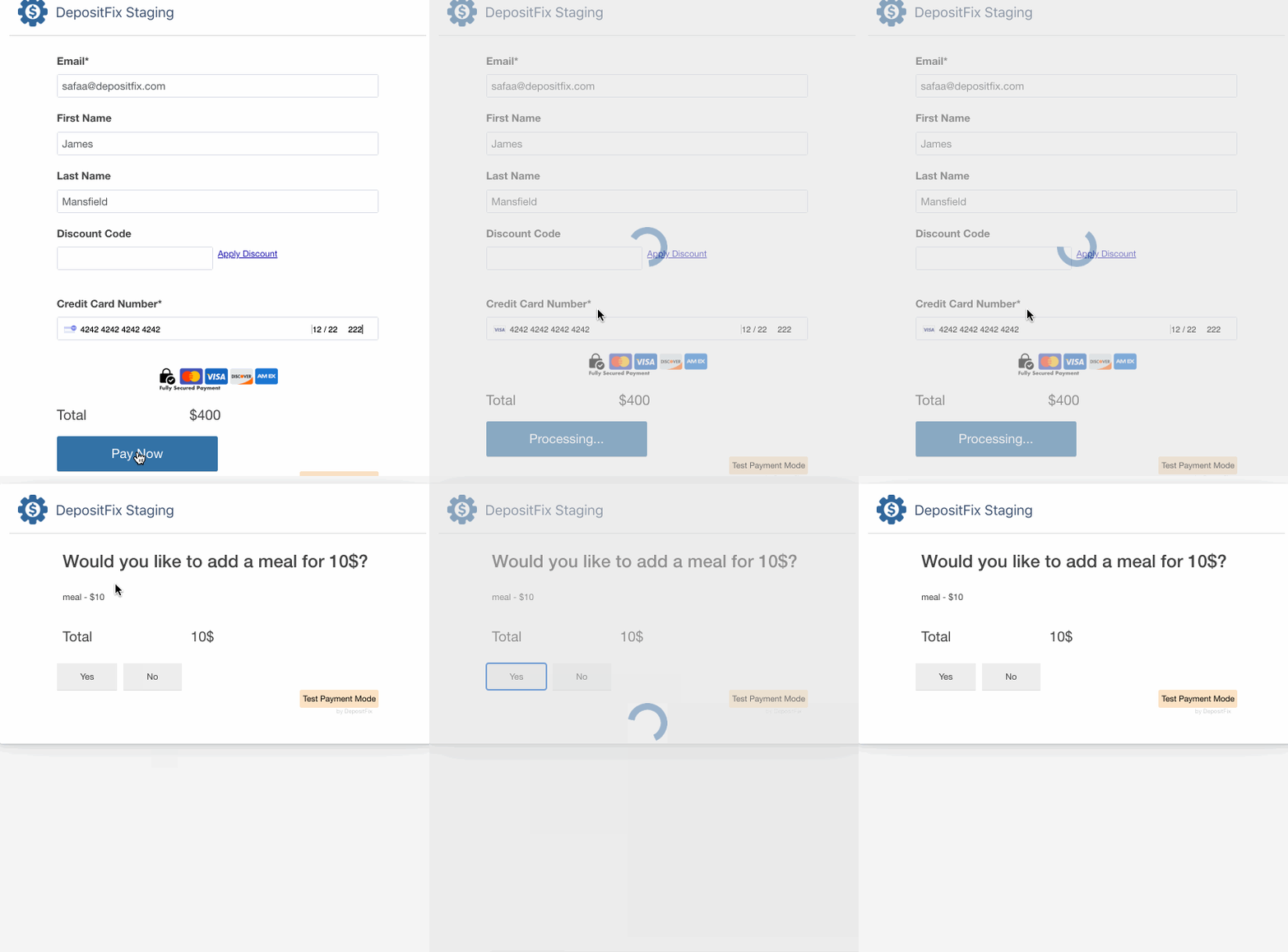
One-click Upsell
With the upsell module, you can offer your customers post-purchase upsell offers, i.e., after the checkout is done. Customers can buy these upsell products in just one click with no hassle of re-entering the payment details or filling out the form again.
Pre-requisites
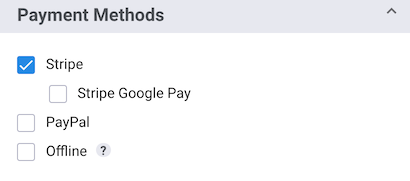
One-click upsells are only available with Stripe payment (single payment, subscription, donation, etc.). If you have PayPal integrated with depositFix, you will need to disable PayPal for the forms that accept one-click upsells.
Setup
To add an upsell product:
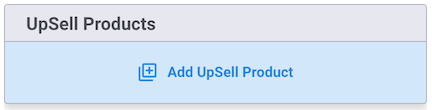
1. Click “Add upsell product” in the “Upsell Products” section in your form builder.
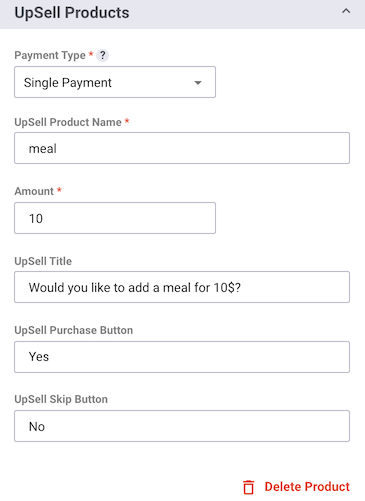
2. Fill in your product information (you can set up Single Payments OR subscription products).
3. Publish your form; now, once your setup is done, your customers will see a small upsell popup after they submit the form.