Manage Product Inventory
When you create a new product, are can specify the number of items you have in stock for this product.
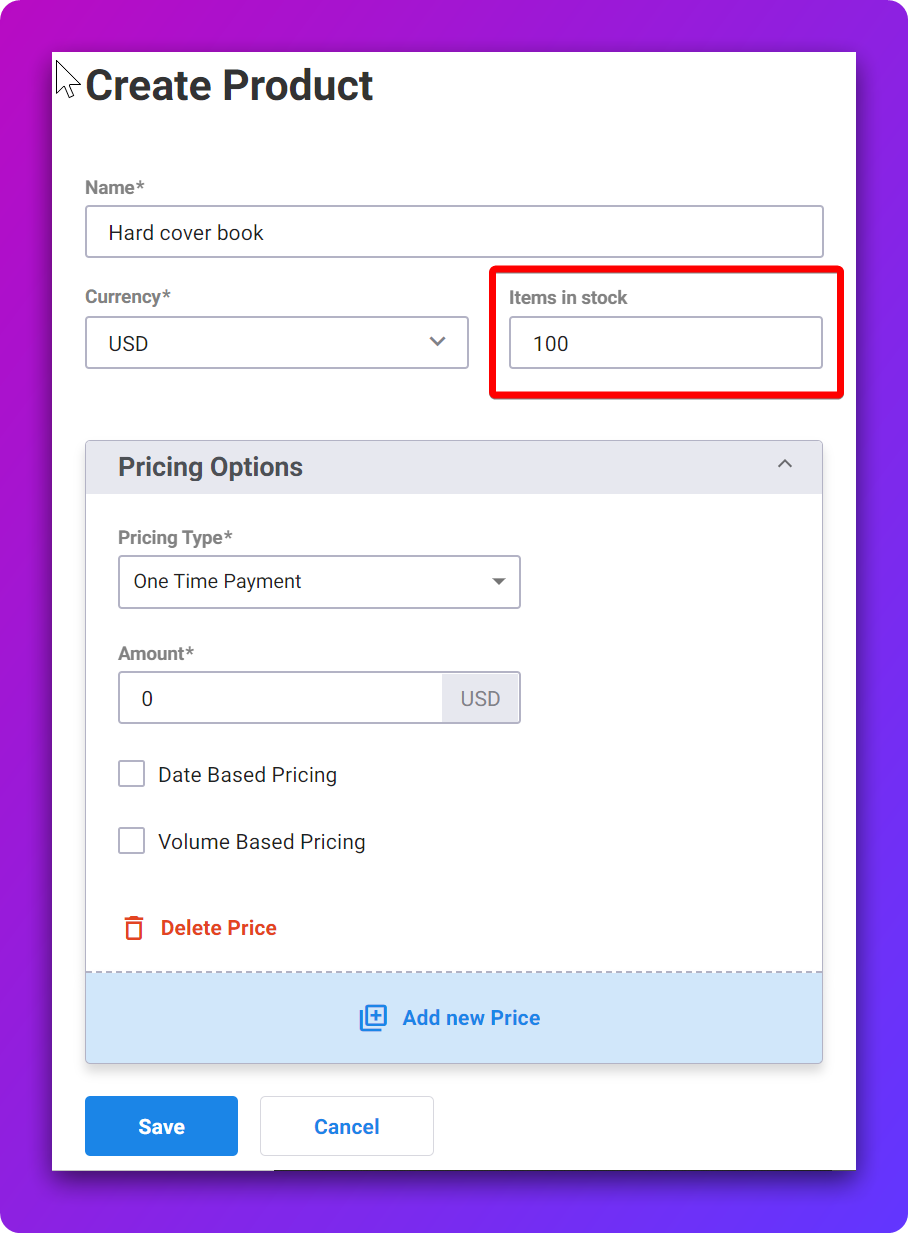
💡 If you don’t have a limited inventory, leave the Items in Stock field empty.
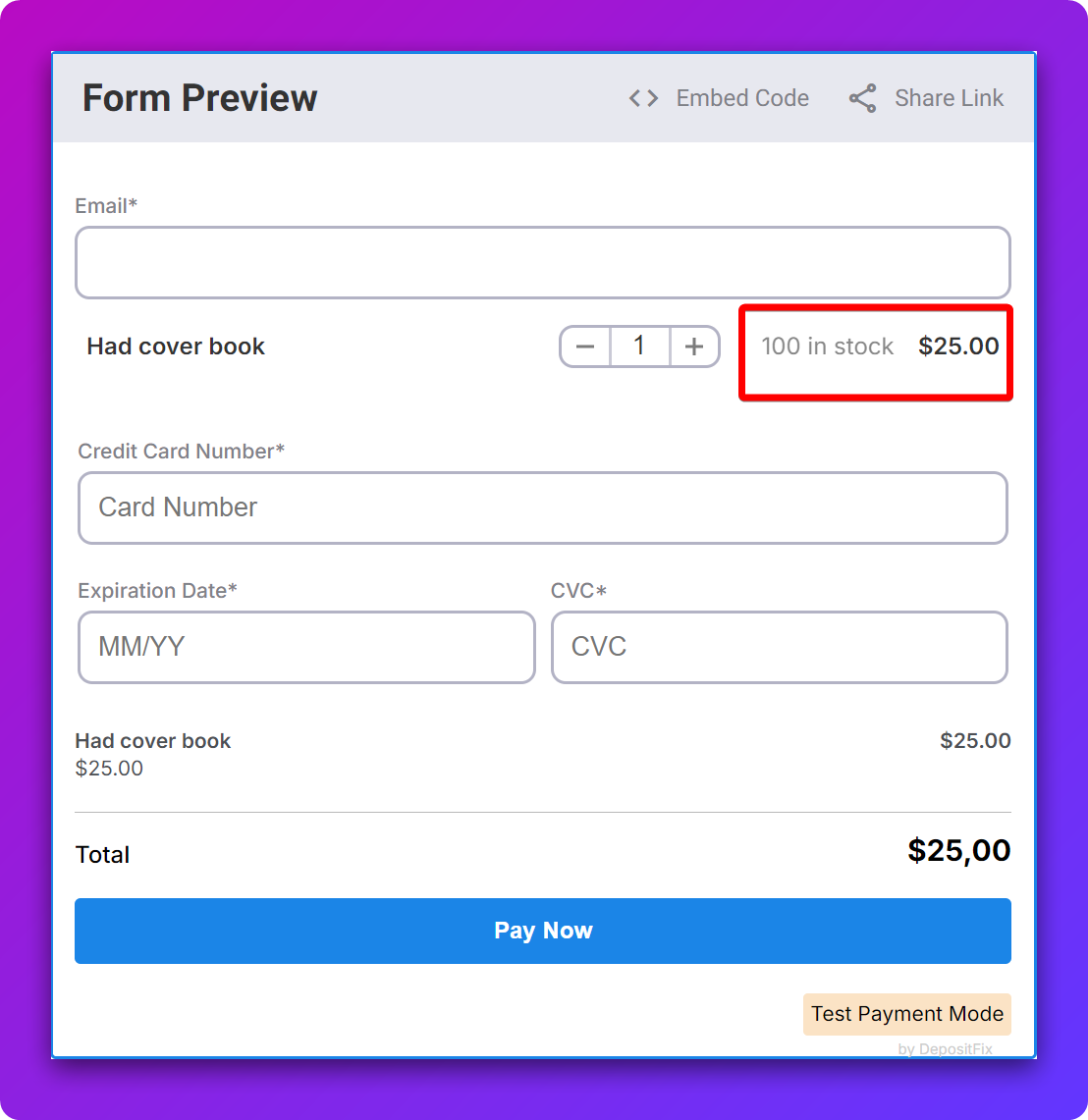
The number of items in stock will show on the form, and decrease automatically with each purchase.
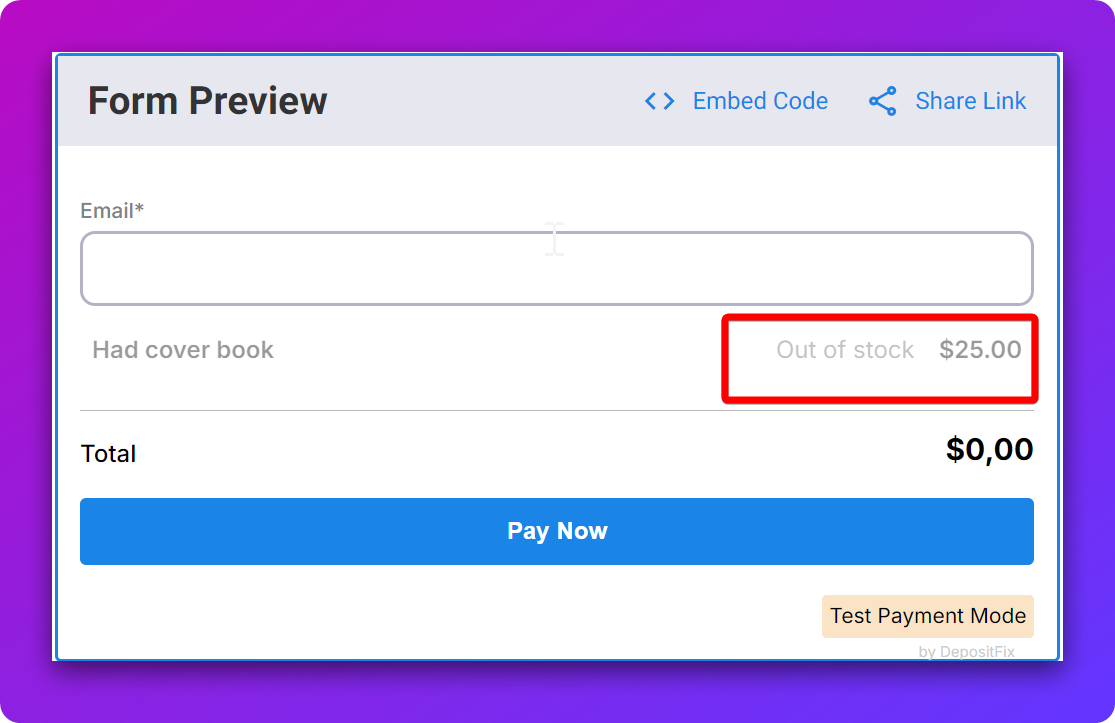
When the stock runs out, the form will show that the product is out of stock, and automatically remove the payment part and switch to a non-payment form (this is benefetial if you still want to use the form to collect interest)
💡 At any point, you can update the number of items in stock from the product page directly, this will automatically update all forms where this product is used.