Loading the form with Preselected Products (Show Product Selection)
The product ID is a unique ID number assigned to each product in your form builder.
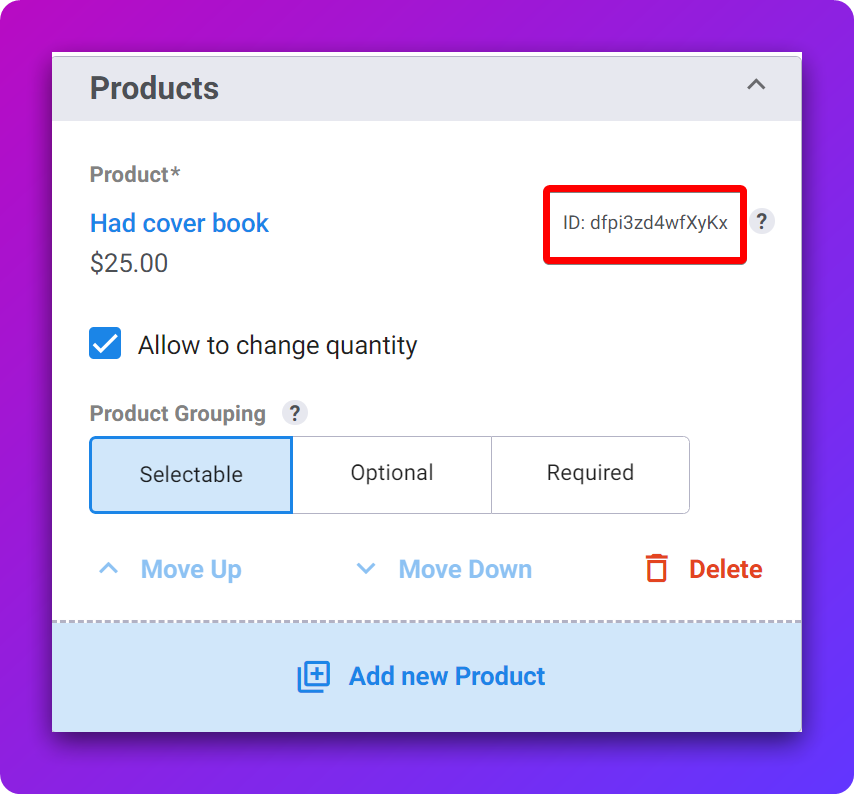
You can use the product ID to load the form with a preselected product. This is beneficial if you’d like to direct people to a page with specific product preselected but still offer them the chance to use other products in the same form.
Loading The Form with a Main Pre-selected Product
To preselect a specific product from a form, you can pass product ID as a URL parameter like _?dfpr=<ID>_
Where <ID> is the product ID taken from the DepositFix form builder.
📌 You can also get the full product ID with the URL parameter by clicking on the ? icon on the product list.
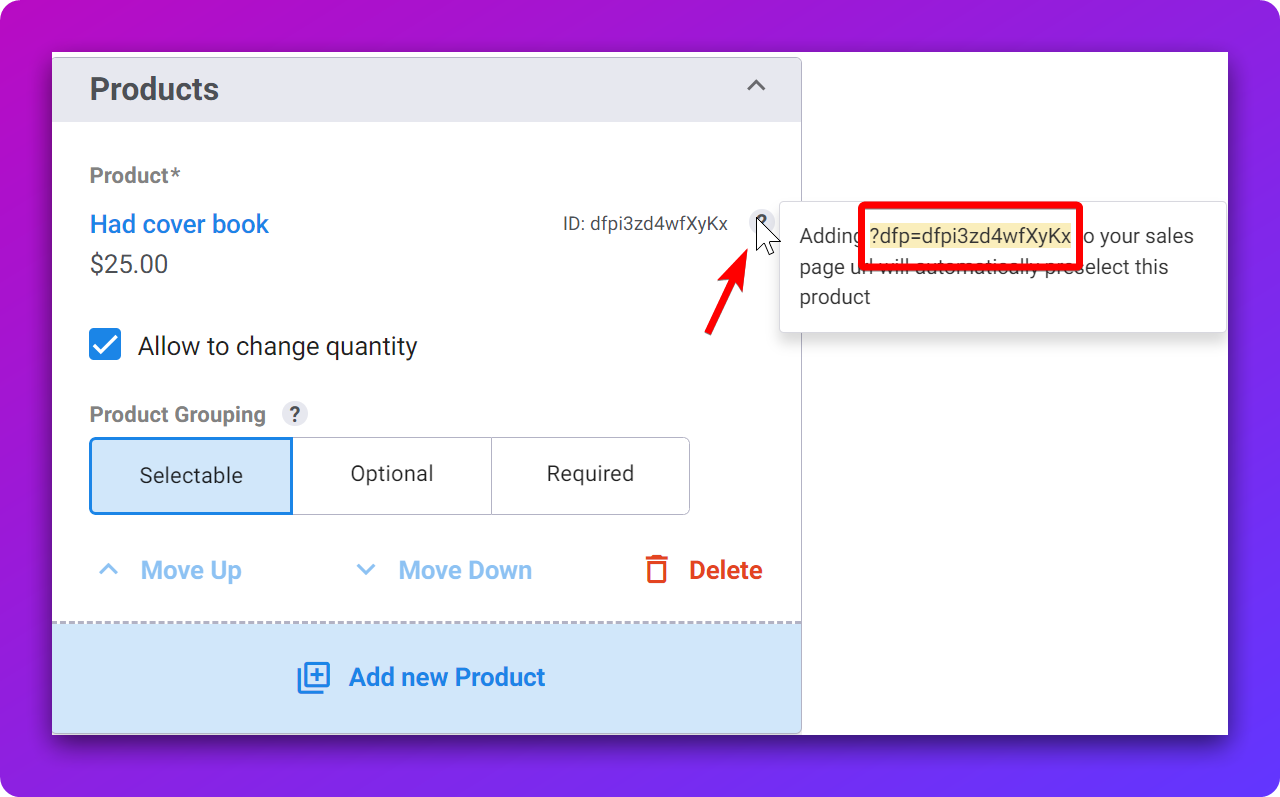
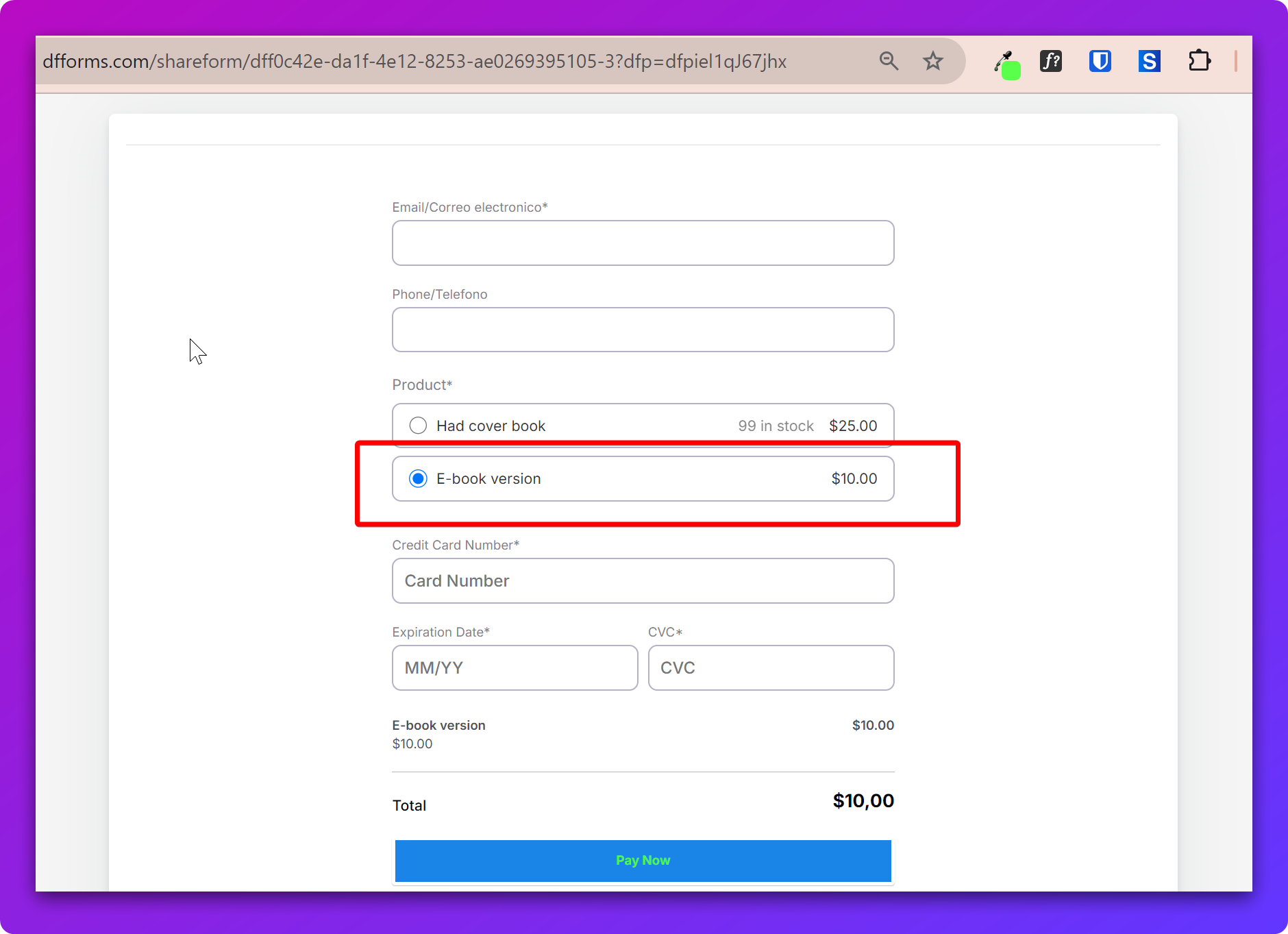
For example, if we want to preselect the 2nd product on this page:
https://dfforms.com/shareform/dff0c42e-da1f-4e12-8253-ae0269395105-3
We can add the URL parameter above and the product ID. So the URL will be:
https://dfforms.com/shareform/dff0c42e-da1f-4e12-8253-ae0269395105-3?dfp=dfpiel1qJ67jhx
Loading The Form with Optional Pre-selected Products
You can also use the ?dfp parameter to load an additional pre-selected product on the same form.
📌 When loading multiple products, of the products needs to be a main product, and one or more optional (add-on) products. You cannot pre-select two main products together.
For example, we want to load this form with a main product, and an optional product pre-selected. To do this, we can use ?dfp= followed by all product IDs, separated by comma https://dfforms.com/shareform/dff3afbf-db87-4756-a9b4-e09c0705c9cf-3?dfp=dfpirAeGdKAW7B,dfpiRMW1FsoI4e

This end result will look like
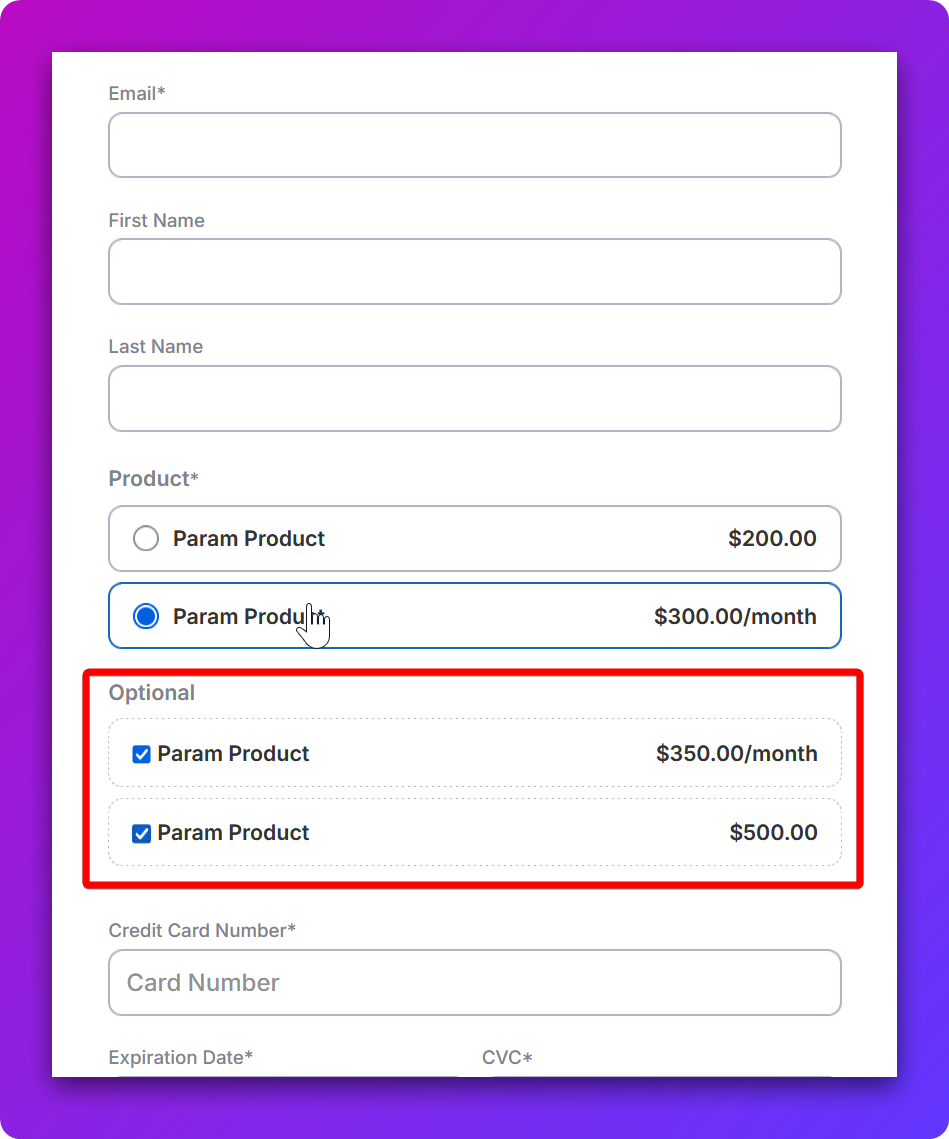
⚠️ Using this parameter to load an optional product will load the first main product by default always. If you want to pre-select different products combinations, please see here instead.