Embedding your Form on a WordPress page
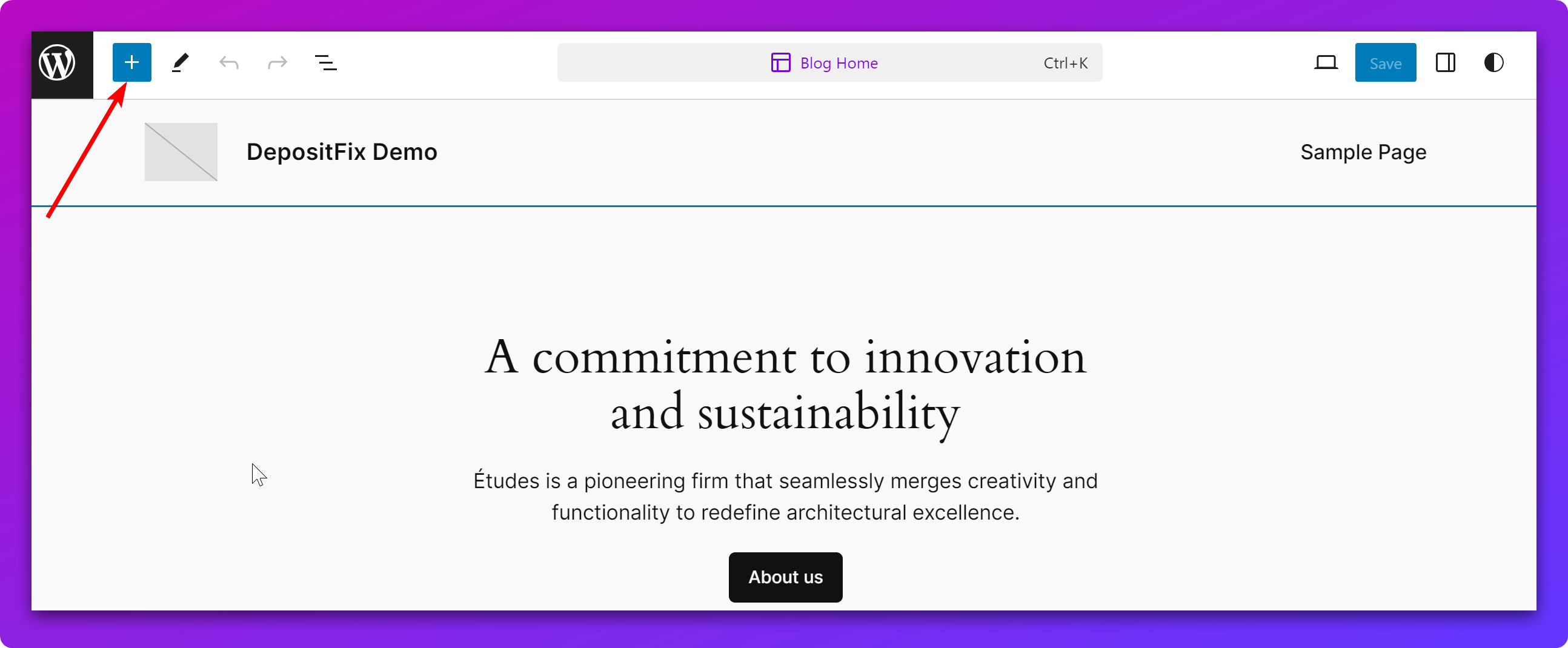
- Go to your Wordpress site editor and click the Toggle block inserter icon to the top left :
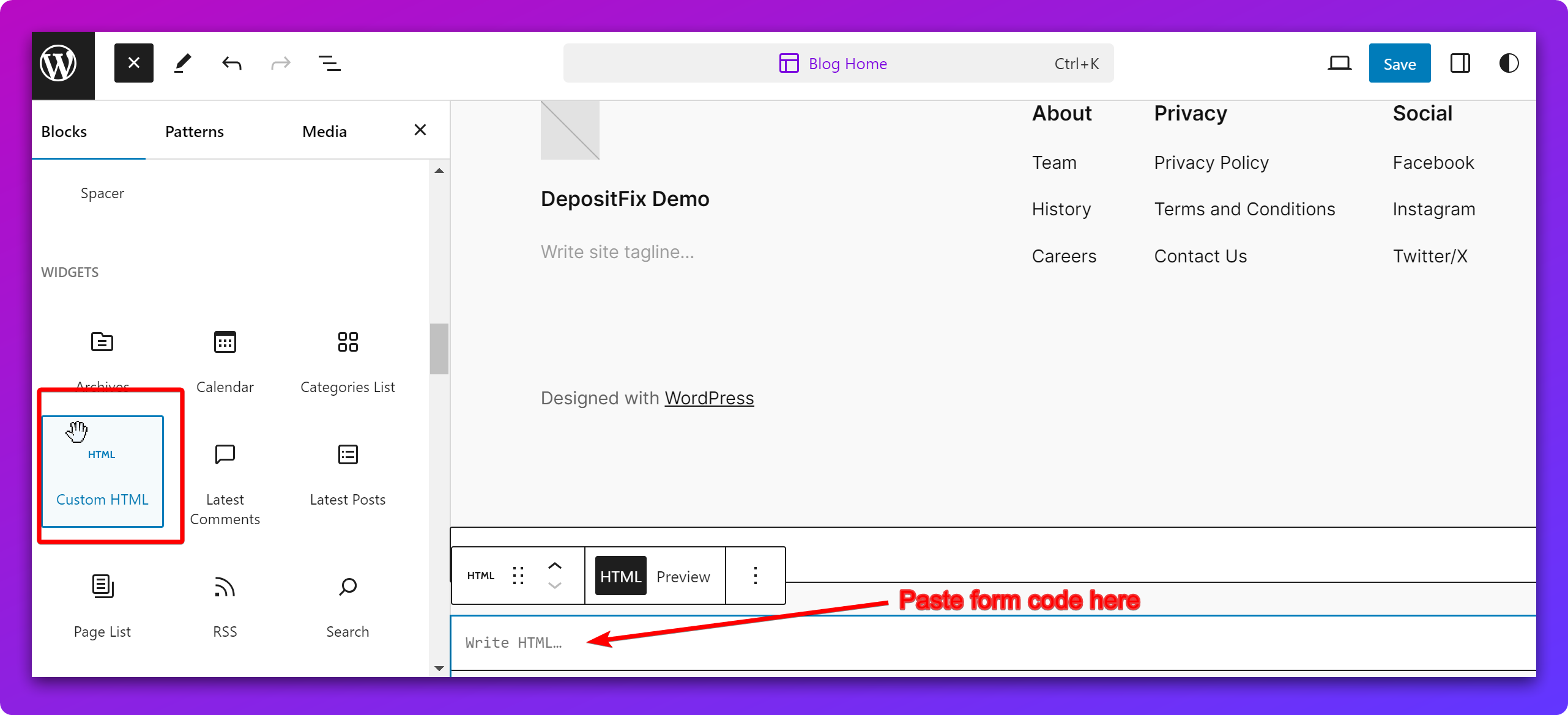
- Scroll down to the Widgets section and select the Custom HTML option (you can customize where in your website you want the new HTML block to be displayed) :
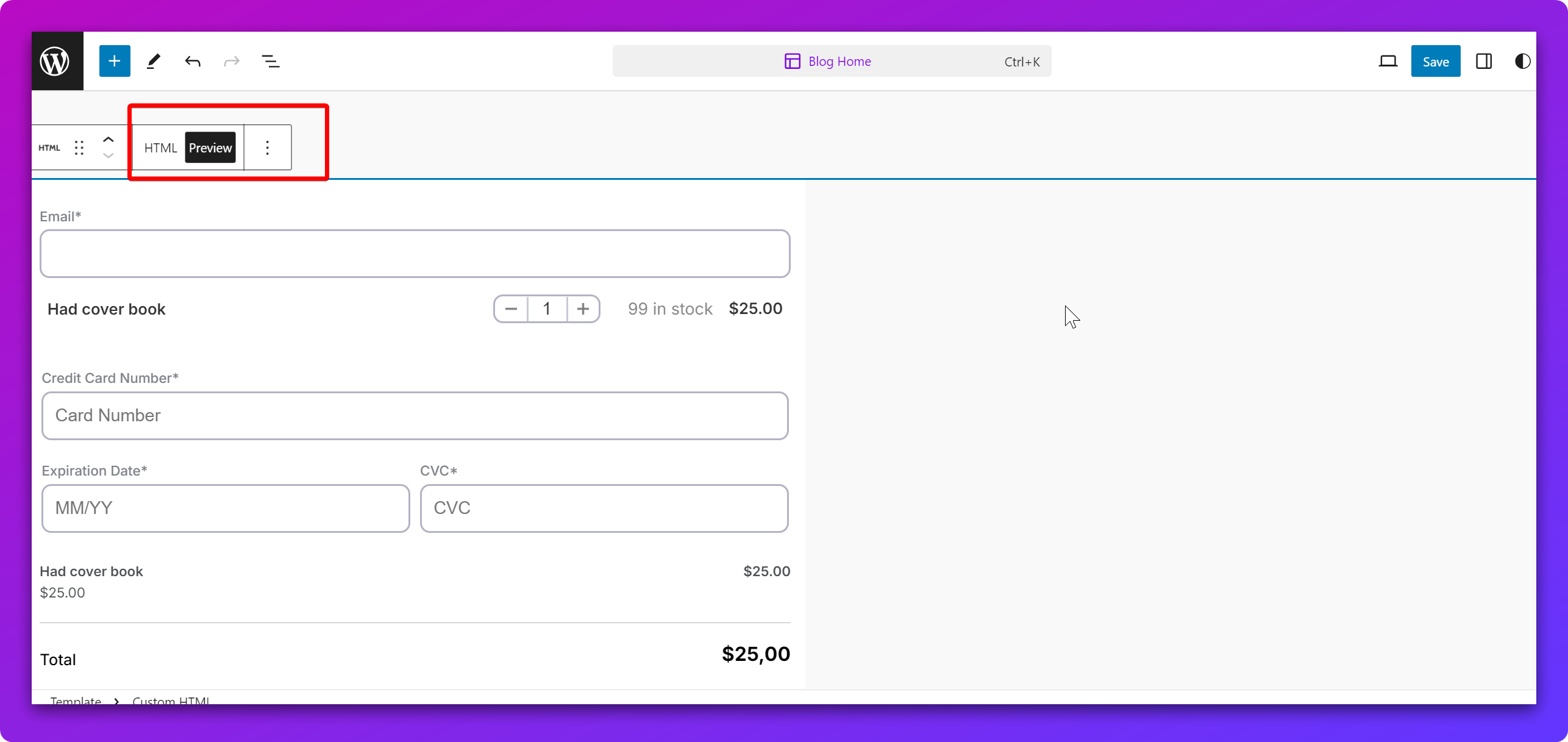
- Click on HTML Preview to see the actual form:
Save the changes in Wordpress and now the form will be visible in the website section where you inserted it.